Website in progress
BeamNG.earth
The whole world in BeamNG.drive.
Website in progress
The whole world in BeamNG.drive.
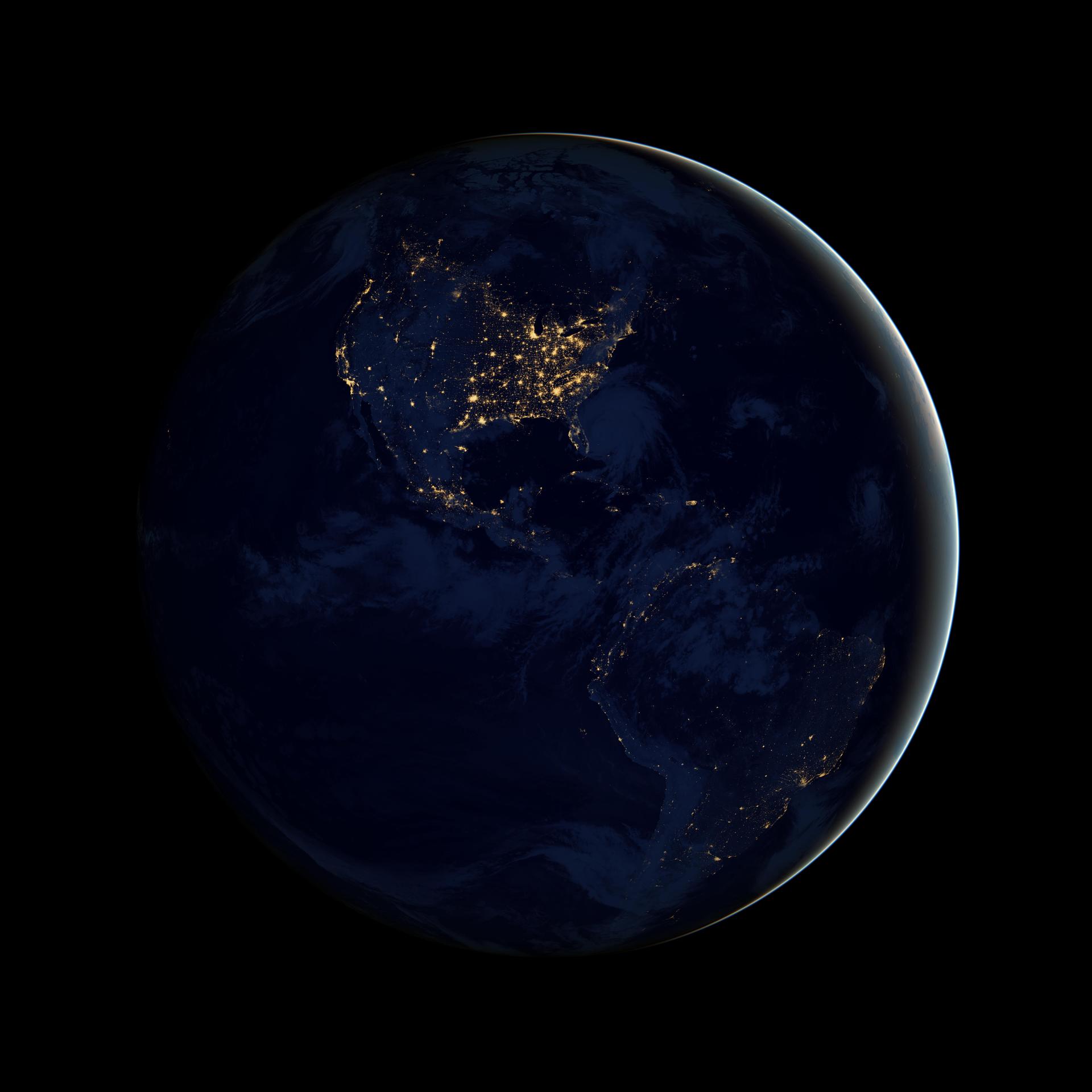
You’ll need BeamNG.drive on Steam and an internet connection.
On Windows, open the latest release, scroll to the bottom of the page and download the .exe under Assets. That’s the only mod file you need. No source ZIP or separate Python installation.
Double-click the .exe. It installs the mod and automatically opens BeamNG.drive with the world server. Closing BeamNG.drive also closes the launcher and stops the server.
Choose Freeroam → BeamNG.Earth in the game, press M for the world map, search for a place, then teleport or set a GPS route and have fun!
Linux / Steam Deck: use the .AppImage from the same release, mark it executable, then run it with Steam open.
New places can take a moment to load. Map data is cached as you explore, up to 20 GB by default.
Loading release notes…